
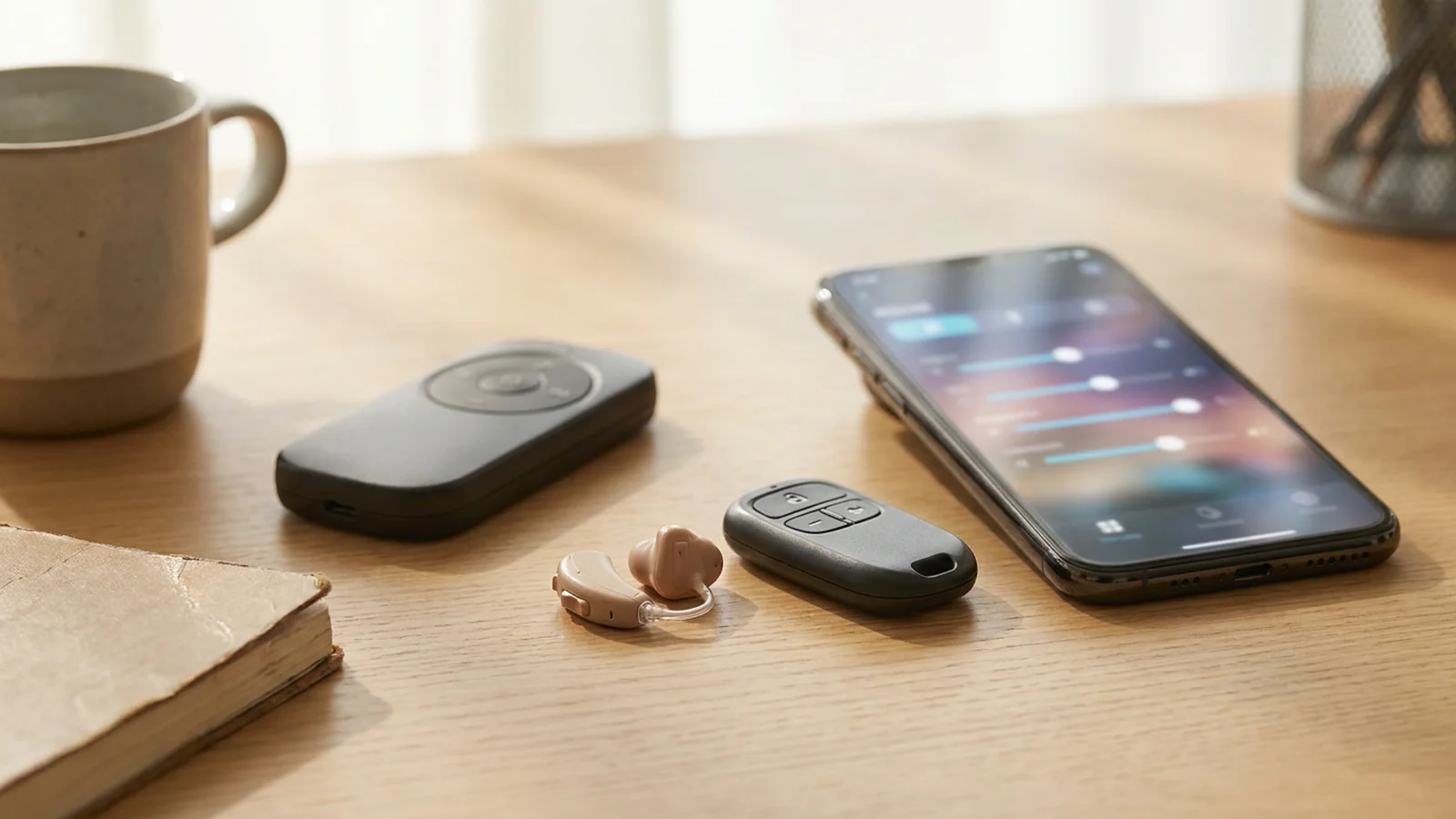
Getting familiar with the controls on your hearing aids is a useful part of everyday wear. Many devices offer ways to adjust volume or switch between settings, whether through small buttons, a remote or a smartphone app. Understanding the general options can help you feel more confident managing your hearing aids day to day. There is no need to master everything at once, as it tends to come with practice. Hearing aid controls and volume come up often at our Brisbane clinic, and the general ideas apply just as well across Logan and surrounding areas.
This overview looks at the common types of controls found on many hearing aids. The exact features depend on your particular model, so your audiologist is the right person to show you how your specific devices work. Think of this as a friendly introduction rather than a manual for any one device. Your hearing care professional can walk you through the details that apply to you.
Buttons and switches on the hearing aid
Some hearing aids include small buttons or switches directly on the device, often used to adjust volume or change settings. Because the buttons are small, it can take a little practice to use them confidently, especially when the devices are in your ears. A gentle, deliberate press is a common approach. With time, locating the buttons by feel usually becomes familiar.
Not every hearing aid has on-device controls, and the layout varies between models. Some devices keep things very simple, while others offer more options. During a fitting, your hearing care professional can point out any buttons your devices have. They can also explain what each one does so nothing feels like a mystery.
Adjusting the volume
Many hearing aids allow some level of volume adjustment, giving you a way to respond to different situations. This might mean turning the sound up in a quieter room or down in a livelier one, according to your preference. Some devices are designed to adjust automatically, while others rely more on manual changes. The approach that suits you depends on your devices and preferences.
How volume works on your hearing aids depends on the model and how it has been set up for you. There is no single way that applies to every device. If you are unsure how to adjust the sound, it is fine to ask. Your audiologist can walk you through it and answer any questions.
Using a remote control
Some people prefer to adjust their hearing aids using a separate handheld remote control rather than the buttons on the devices. A remote can suit those who find small buttons fiddly. The remote typically communicates with the hearing aids wirelessly. Some people find this a familiar way to make adjustments.
Remote controls are not available for every model, and their features differ. Some offer just the basics, while others do more. If a remote sounds appealing to you, it is worth asking about. Your hearing care professional can explain whether one is compatible with your particular hearing aids.
Smartphone apps and controls
Many modern hearing aids can connect to a smartphone app, offering another way to manage settings and volume. Apps can make adjustments feel more familiar for those who are confident with their phones, and may show helpful information at a glance. The look and features of these apps vary between hearing aids. Some people enjoy the convenience of having controls on a device they already carry.
If you are interested in using an app with your devices, it is worth checking that your hearing aids support this. Not every model offers app control. Your audiologist can help you understand what is available and show you how to get started. A short walkthrough can help you get started with an app.
Switching between settings
Beyond volume, many hearing aids offer different settings suited to different situations, such as quiet rooms or busier places. Controls are often used to move between these settings as your surroundings change. Some devices handle this automatically, while others let you choose manually. Knowing how to switch can help you feel more in control across your day.
Getting familiar with how to change settings often takes just a little practice. Trying it out in a calm moment can help it feel familiar. Your hearing care professional can explain the settings your devices include. They can also show you how to move between them.
Automatic and manual volume adjustment
Like any new tool, hearing aid controls often feel more natural with a little practice. Trying out the buttons, remote or app in a calm, quiet moment can help you get the hang of them before busier situations arise. There is no rush, and it is normal to take time to feel confident. Everyone learns at their own pace.
If anything about the controls feels unclear or awkward, your audiologist is always happy to go over it again. There is no such thing as a silly question when it comes to your devices. A short refresher at a follow-up appointment can help. It helps you feel confident using your hearing aids day to day.
Building confidence with the controls
Some people find it reassuring to have a family member or friend learn the basics of their hearing aid controls too. A second person who understands how the buttons, remote or app work can be a helpful backup. This can be especially handy in the early days of getting used to the devices.
There is no pressure to involve anyone else, as it comes down to personal preference. If it would help you, your audiologist is happy to explain the controls to someone who supports you. A shared understanding can help with everyday adjustments.
If you would like to learn more, or to arrange a hearing appointment, you are welcome to get in touch with our friendly team. No referral is necessary, and we are happy to answer any questions you may have.
DISCLAIMER:
The information on this website is provided for educational purposes only. We do not support, nor recommend any products or treatments without proper hearing diagnostic and proper hearing evaluation. All users must seek professional advice before beginning treatment as well as inform themselves of known side effects/risks associated with said procedure(s).
Disclaimer: The information in this article is general in nature and provided for educational purposes only. It does not take into account your individual circumstances and is not a substitute for professional advice. Please consult a qualified hearing health professional about your specific needs.
Related articles
- A Guide to Hearing Aid Accessories
- A Simple Guide to Hearing Aid Cleaning Tools
- A New Year Guide to Booking a Hearing Check
Looking for a hearing test or ear care? See hearing tests, hearing aids or book an appointment. Browse all articles.